
Dev Weekly Newsletter
October 9th, 2026
Including a brief video presentation featuring:

Important Announcements of the Week:
➞ INTRODUCING A "NEW" REQUIREMENT: ONLY USE EXTERNAL COLLECTIONS (SHEETS)
To streamline our workflow and simplify ongoing site maintenance, we are making a shift in how we handle data collections for all new site builds. Effective immediately, please use External Collections (via Google Sheets) instead of Internal Collections. Why the change?
- Faster Setup & Automation: External collections via Google Sheets allow for quick configuration and seamless automatic updates, saving valuable development time.
- The Drawback of Internal Collections: While Internal Collections are native to Duda, managing and updating them requires manual work that adds unnecessary friction and overhead to site maintenance.
By sticking to External Collections, we can save time, avoid repetitive manual edits, and ensure our client's sites remain easy to update long-term.
Thank you for your cooperation, and have an excellent weekend!
*** If you need clarification or assistance with any of the above announcements, feel free to reach out to your Dev Leads. ***
Your Weekly Tip From a Dev Lead

Emma
ELEVATING CLIENT ASSETS WITH AI:
ENHANCING PHOTOS & CREATING VIDEOS
Sourcing solid visuals can be tough when client assets are low-res, vertically formatted, or suffer from lighting issues like low exposure. Fortunately, AI is proving to be a reliable workaround.
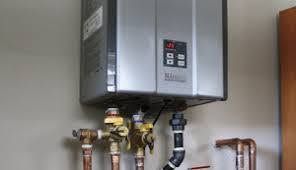
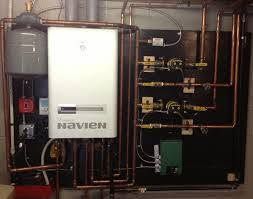
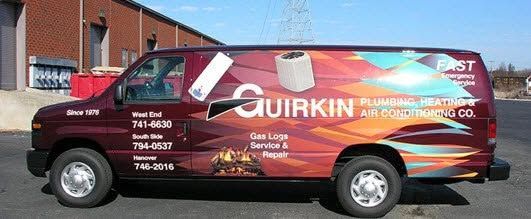
Check out the example below: I took three tiny, grainy, low-quality CP images from a client’s Facebook page and ran them through the same prompt. The result? Three viable images ready for immediate use, or for generating an AI video to build stronger brand credibility.
Click on each original photo below to see the upscaled, AI-enhanced transformation. Then, scroll down to see the final video rendered in Veo3 with all 3 images, as well as links to the specific prompts used for this tip.